


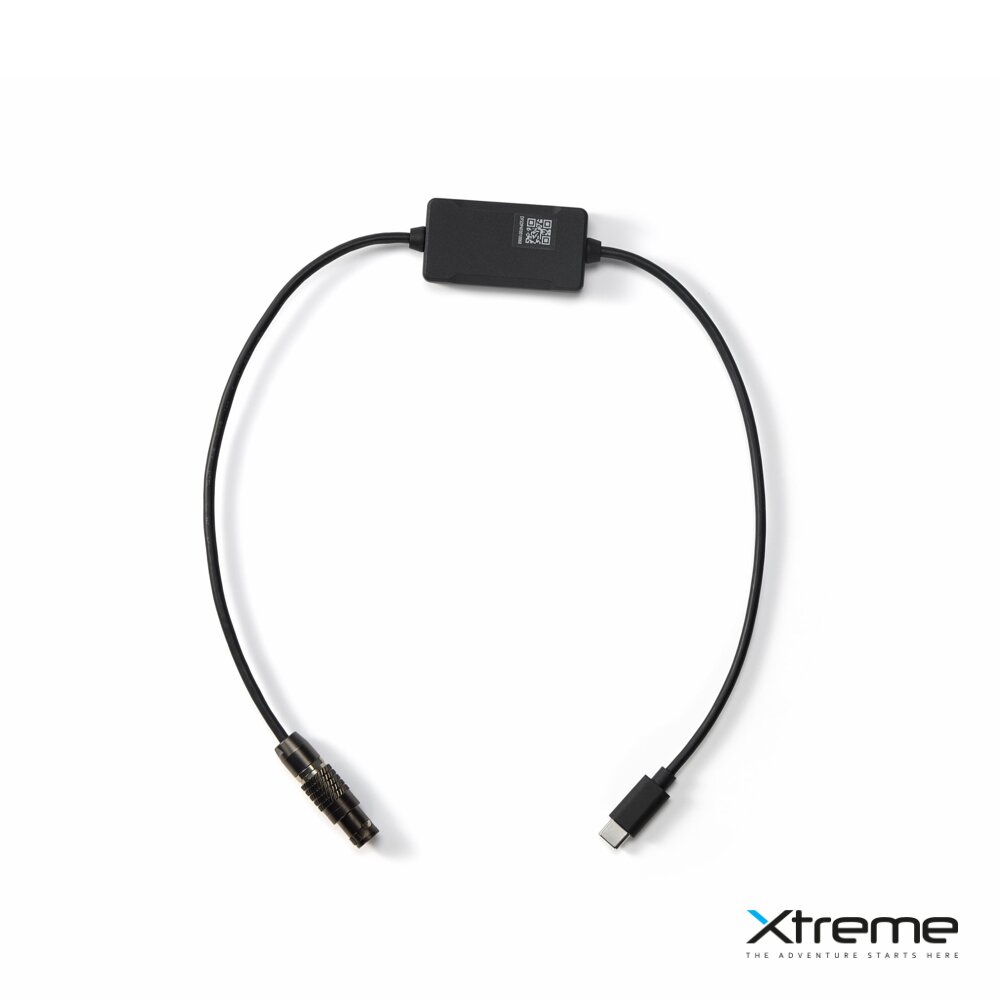

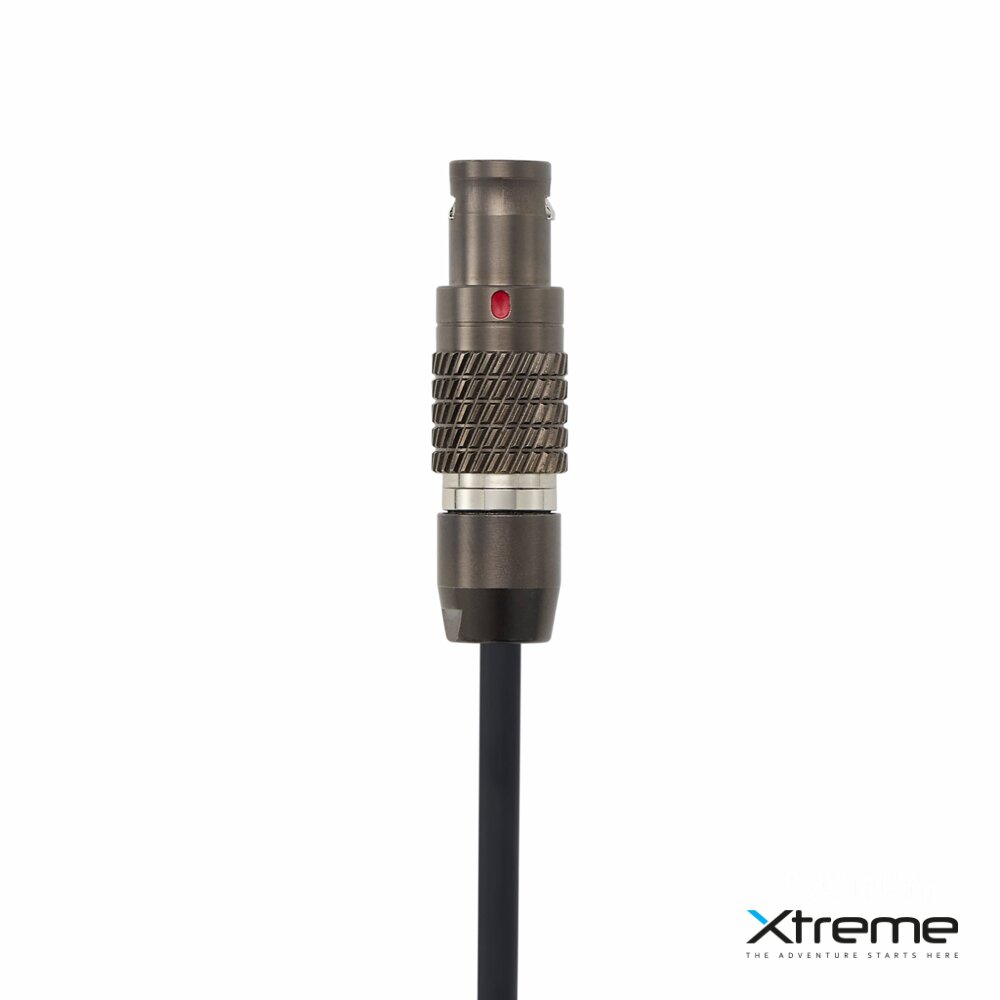

It connects the DJI SDR Transmission 2 transmitter/receiver to the DJI Master Wheels system and the Ronin 2 gimbal, allowing you to control the Ronin 2 using the Master Wheels while also powering the transmitter/receiver directly from the gimbal. When a compatible DJI RS series gimbal is connected to the TX [1], the Master Wheels system can also control the gimbal. When the gimbal is connected to a camera [2], the Master Wheels also allows you to remotely start or stop video recording on the camera.
1. RS series gimbals supported by DJI SDR Transmission 2 include DJI RS 5, RS 4 Pro, RS 4, and RS 3 Pro. Note: When used with RS 4 Pro, RS 4, and RS 3 Pro, a DJI SDR Transmission 2 gimbal control cable (USB-C to CAN) is required, which is sold separately.
2. When connecting the DJI SDR Transmission 2 transmitter/receiver to an RS series gimbal, an additional Multi-Camera Control Cable is required to connect the gimbal to the camera for remote camera control. You can use the cable that comes with the gimbal or purchase a compatible cable from the official DJI store according to your camera model. For information on supported camera models and available control functions, please refer to the "Camera & Lens Compatibility" page on the official website of the respective gimbal. In addition, if the DJI SDR Transmission 2 transmitter/receiver is connected to the gimbal via a quick release plate, the native configuration for vertical shooting is not supported.
Length: 50cm
We send packages
on the day of the order
DJI warranty
service
Store
in Bratislava
Visa, Mastercard, ApplePay
Express Courier, Courier,
Pick-Up Point
